Google Ad’s

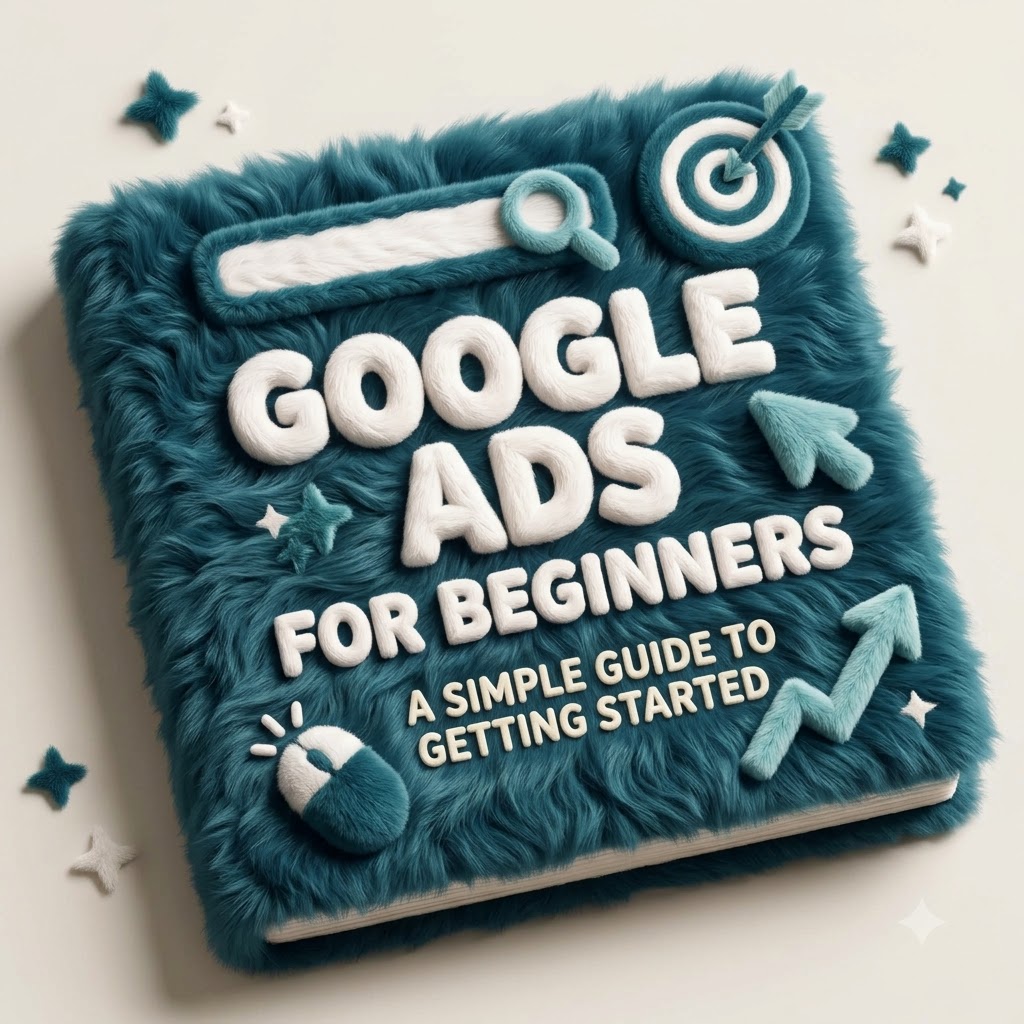
Google Ads for Beginners: A Simple Guide to Getting Started

Google Ads for Beginners: A Simple Guide to Getting Started Open a Google Ads account for the first time and it can feel like stepping into a cockpit — campaign types, bidding strategies, match types, conversion goals, all asking for a decision before you’ve even written your first ad. It’s no surprise a lot of beginners either freeze or just click through the defaults and hope for the best. The good news is that the core idea behind Google Ads is actually simple, even if the interface isn’t. This guide walks through it step by step — what Google Ads is, how it works, and how to set up a first campaign without getting lost in features you don’t need yet. Quick Answer: Google Ads is Google’s advertising platform that lets businesses promote products and services across eligible Google properties and partner placements. Businesses choose a goal, target relevant keywords or audiences, set a budget, and generally pay when someone interacts with their ad — with exact targeting options and formats depending on the campaign type chosen. What Is Google Ads? Google Ads is paid advertising — businesses pay to appear in front of people, rather than earning that visibility for free the way organic search results do. Ads can appear on Google’s search results, and depending on the campaign type, across other Google properties and partner placements as well. The core difference is simple: organic search visibility is earned through SEO and isn’t paid for directly, while paid search visibility is bought, typically with advertisers paying when someone interacts with their ad in a qualifying way. A bakery might show up organically for “best sourdough recipe” after months of content work, while a Google Ads campaign for “bakery near me” could start showing an ad the same day it’s launched. How Does Google Ads Work? At a basic level, the process looks like this: a business creates a campaign, chooses a goal, selects relevant targeting, creates ads, and sets a budget and bidding approach. When someone’s search or browsing matches an opportunity, Google evaluates eligible ads and may show one to that person. If they click or take another desired action, the business measures the result and adjusts the campaign accordingly. Behind this sits something often called the ad auction — but it’s not simply a matter of the highest bidder automatically winning every time. Relevance, ad quality, your bid, and the context of the search all play a role in which ads actually get shown and how they perform. Why Do Businesses Use Google Ads? Google Ads lets businesses reach people who are actively searching, often faster than waiting for organic rankings to build. It offers real control over targeting specific audiences or locations, setting and adjusting a budget, and measuring exactly what’s happening with the campaign. It’s useful for generating leads, driving sales, promoting specific products or services, and quickly testing different offers and messaging. It’s not automatically the right fit for every business, though — it tends to work best when there’s genuine search demand for what you offer and a website ready to convert the traffic it sends. Google Ads vs SEO: What’s the Difference? Factor Google Ads SEO Traffic Paid Organic Speed Can provide visibility quickly Usually takes longer Cost Model Advertising spend Investment in SEO work Control More direct control over campaigns Less direct control over rankings Long-Term Value Depends on ongoing campaigns Can build lasting organic visibility Best For Paid visibility and targeted campaigns Long-term organic growth Both can be genuinely useful, and neither is automatically better for every business — many businesses end up using both for different reasons. What You Need Before Starting Google Ads Before opening an account, it helps to have a clear business goal, a defined target audience, a website or relevant destination page ready to receive traffic, a clear product or service to promote, a realistic budget, defined conversion goals, and at least a basic sense of what your customers are actually searching for. Sending paid traffic to an unprepared website — slow, unclear, or missing a way to contact you — tends to waste budget regardless of how well the campaign itself is built. Step 1: Create Your Google Ads Account Setting up an account generally involves signing up with a Google account, providing basic business information, and working through Google’s setup flow. The exact interface and steps can change over time, so it’s worth checking Google’s current official setup guide rather than relying on older instructions. Whatever the current flow looks like, take time to review the account settings carefully — location, language, and billing details in particular — before launching your first campaign. Step 2: Choose the Right Campaign Goal Google Ads asks you to pick a goal early on — common options include leads, sales, website traffic, and awareness or reach, with app-related goals available for relevant businesses. The right goal depends on your business: a local service business often cares most about leads, an ecommerce store typically focuses on sales, and a newer brand might genuinely benefit from an awareness-focused goal depending on its specific objective. No single goal is universally correct — pick the one that actually matches what you’re trying to achieve. Step 3: Choose a Google Ads Campaign Type Common campaign types include Search, Display, Shopping, Video, App, and Performance Max, each generally designed for a different purpose. Search: Targets people actively typing queries. Display: Shows visual ads across a network of sites. Shopping: Showcases products. Video: Runs video advertising across relevant video placements. App: Supports businesses promoting applications. Performance Max: Helps advertisers reach customers across multiple Google channels through a unified campaign. For beginners, Search campaigns are often easier to understand at first, since they’re built around capturing existing search demand from people already looking for something specific. That doesn’t mean Search is always the best choice — an ecommerce store might get more value from Shopping ads, for instance. Step 4: Choose the Right Keywords

Google Ads for Beginners: A Simple Guide to Getting Started Read More »

What Is Google Ads for E-commerce?

Google Ads for E-commerce: A Complete Guide to Growing Online Store Sales What Is Google Ads for E-commerce? Direct answer: Google Ads for e-commerce is a paid advertising system that lets online stores promote products across Google Search, Shopping, YouTube, Display and Discover. Product data, keywords, audience signals and creative assets determine where ads appear. Businesses typically pay per click or per thousand impressions, and performance is measured through conversion tracking. In practice, e-commerce advertising on Google looks different from lead-generation advertising. A service business might chase form fills. An online store chases completed purchases, average order value, and repeat customers. Three components work together: Google Ads — where campaigns, budgets and bids live. Google Merchant Center — where your product catalogue is stored, validated and matched to shopping surfaces. Your product feed and landing pages — the raw material Google uses to decide whether to show your ad, and what happens after the click. If any one of those three is weak, the other two cannot compensate. A perfect campaign structure cannot rescue a feed with missing prices, and a clean feed cannot rescue a product page that loads slowly on mobile. E-commerce ads can appear on the Google Search results page, the Shopping tab, Google Images, YouTube, Gmail, Discover, and across millions of partner websites and apps. Most e-commerce advertisers pay on a cost-per-click (CPC) basis, though impression-based and conversion-based models exist depending on the campaign type. A successful e-commerce advertising system connects product data, campaign strategy, accurate tracking and a strong shopping experience. Google can bring the visitor, but the store still has to convert that visitor into a customer. How Does Google Ads Work for E-commerce Businesses? The mechanics are less mysterious than they look. Here is the sequence from setup to sale. Product and business setup. You create a Google Ads account and a Merchant Center account, and connect them. Product data. Your product catalogue is uploaded — either by feed, API, or platform integration. Feed processing. Google reviews titles, descriptions, prices, availability, images and identifiers, then approves or disapproves each item. Campaign creation. You choose a campaign type, set a budget, and define conversion goals. Targeting and signals. Keywords, audiences, demographics, device and location settings narrow who sees the ad. Bidding. You set a strategy — manual or automated — that tells Google how much a click or conversion is worth. The ad auction. When someone searches, Google runs a near-instant auction combining your bid, ad quality, relevance, landing page experience and expected impact. Ad serving. Winning ads appear in the position and format Google determines is most relevant. The click. A shopper clicks through. You pay the CPC for most campaign types. Landing. The shopper arrives on a product or category page. This is where most of the outcome is decided. Conversion. The shopper adds to cart and purchases — tracked by your conversion tag. Measurement and optimization. You review search terms, product performance, ROAS and margins, then adjust. Notice that steps 10 to 12 are not really Google’s responsibility. Google delivers the traffic. Your page, pricing, shipping terms and checkout decide what happens next. Advertisers who forget this tend to blame the platform for a website problem. Why Should E-commerce Businesses Use Google Ads? The case for paid search in e-commerce rests on intent. Someone searching for a specific product is further along than someone scrolling a social feed. That proximity to purchase is why paid search often produces the most measurable return in a retail media mix. High-intent traffic. You appear at the moment of consideration. Product visibility. Shopping and Performance Max placements show the actual product image and price, not just text. Fast testing. You can validate demand for a new product in days rather than waiting months for organic rankings. Measurable performance. Clicks, revenue and ROAS are trackable to the product level. Remarketing. You can re-engage people who viewed a product but did not buy. Scalability. Budgets can be increased on demand when performance supports it. Revenue attribution. You can see which products and queries actually generate sales. Data-driven decisions. Performance data informs pricing, merchandising and inventory planning. When Google Ads may not be the right first move: very thin margins, products with no existing search demand, a website that converts poorly on mobile, or a business without the capacity to fulfil a sudden increase in orders. In those cases, fixing the fundamentals first usually costs less than advertising into a leaky funnel. Types of Google Ads Campaigns for E-commerce Not every campaign type deserves the same share of your budget. Each one solves a different problem. 1. Shopping Ads Shopping ads pull product data from Merchant Center and display an image, title, price and store name. There is no keyword to write — Google matches your feed against search queries. Advantages: Visual, price-transparent, strong commercial intent, product-level reporting. Limitations: Feed quality drives everything; limited control over exact query matching. Example: A furniture retailer showing a specific sofa at ₹24,999 with free delivery. 2. Performance Max Performance Max is a goal-based campaign that runs across Search, Shopping, YouTube, Display, Discover, Gmail and Maps from a single campaign. You supply product feeds, creative assets and audience signals, and automation decides placement and bidding. Best use case: Advertisers with solid conversion data and enough creative assets who want broad reach. Advantages: Wide coverage, less manual management, works across the full Google inventory. Limitations: Reduced granular control, limited visibility into where spend goes, and it can absorb budget that Shopping or Search would use more efficiently. Example: A supplements brand using one Performance Max campaign to reach buyers across YouTube, Discover and Shopping simultaneously. Performance Max is not automatically superior. It performs best when conversion tracking is accurate and the account has enough data for automation to learn from. 3. Search Campaigns Text ads triggered by keywords. You control the message, the keywords and the landing page. Best use case: Brand terms, category terms, competitor terms and high-intent product queries. Advantages:

What Is Google Ads for E-commerce? Read More »

Digital Marketing Trends in India 2026

DIGITAL MARKETING TRENDS IN INDIA 2026 Digital marketing in India is changing quickly. Search is becoming more conversational, social platforms are becoming discovery channels, WhatsApp is becoming an important business communication tool, and artificial intelligence is changing how marketers plan, create and measure campaigns. Imagine a local business owner in Indore checking Instagram in the morning, receiving a customer enquiry on WhatsApp a few hours later, and appearing in a Google search experience that uses AI to help answer a customer’s question. That is increasingly what the modern customer journey can look like. Marketing is no longer limited to a website, a Google ranking or a single advertisement. Customers move between search, social media, video, reviews, maps, messaging and websites before making a decision. QUICK TAKEAWAYS 01 AI Is Becoming Infrastructure AI is becoming part of research, content workflows, advertising, analytics and customer communication. 02 Search Is Changing People are increasingly looking for answers through AI-assisted search, social platforms, video and conversational tools. 03 Local Relevance Matters Regional language, local creators and location-specific content can help businesses connect with nearby audiences. 04 Short-Form Video Short videos can help businesses explain products, answer questions and reach new audiences. 05 WhatsApp Is Part of the Funnel WhatsApp can connect discovery, enquiries, follow-ups and customer communication. 06 Strategy Still Matters Businesses do not need every trend. The right channels depend on customers, goals, location and industry. 1. AI-POWERED MARKETING Artificial intelligence is becoming a normal part of digital marketing. It can help marketers research topics, develop ideas, organise content, analyse campaign performance and speed up repetitive tasks. But AI does not automatically create good marketing. Businesses still need a clear brand voice, accurate information, original thinking and a real understanding of their customers. The practical shift: Use AI to improve the speed of your workflow, not to replace strategy, creativity and human judgement. 2. AI SEARCH, AEO AND GEO Search is no longer simply about receiving a list of links. Search experiences are increasingly designed to understand questions, combine information and provide direct answers. This is why concepts such as Answer Engine Optimization (AEO) and Generative Engine Optimization (GEO) are becoming relevant alongside traditional SEO. Businesses should create information that is clear, useful and genuinely helpful. Strong topic coverage, direct answers, FAQs, original insights and well-structured pages can make information easier for people and search systems to understand. Local discovery can connect search, reviews, websites and direct customer conversations. 3. CONVERSATIONAL SEARCH People are becoming more comfortable asking complete questions instead of typing only a few keywords. A customer might search for a specific service together with location, availability and a particular need. This means businesses should create pages that answer real customer questions rather than simply repeating keywords. The Old Approach Focus mainly on isolated keywords and rankings. The Modern Approach Build useful topic coverage around the questions, problems and decisions customers actually have. 4. SHORT-FORM VIDEO Short-form video has become an important way for brands to show personality, demonstrate products and communicate useful information quickly. The opportunity is not limited to entertainment. A local business can use short videos to answer common questions, show behind-the-scenes processes, explain services, demonstrate products or introduce its team. A Simple Video Structure A useful structure is Hook → Value → Proof → Action. The goal should be to make the viewer understand something, discover something useful or take a clear next step. 5. SOCIAL PLATFORMS AS SEARCH ENGINES Social media is increasingly used for discovery. People search for products, places, creators, tutorials, reviews and recommendations within social platforms. Businesses should therefore think beyond follower counts. Captions, on-screen text, descriptions, location information and useful topics can all contribute to discoverability. Think discovery, not just posting. Every social post should give the audience a reason to stop, understand and remember the brand. 6. REGIONAL-LANGUAGE AND HYPERLOCAL MARKETING India is not one single digital market. Customers behave differently across cities, states, languages and communities. Regional-language content, local references, location-specific pages and locally relevant social content can help businesses become more useful to nearby customers. 7. CREATOR MARKETING AND MICRO-INFLUENCERS A large follower count does not automatically mean strong business results. Smaller creators can offer highly focused communities built around a location, interest or category. Relevance Look at whether the creator’s audience matches the customers you want to reach. Trust Useful demonstrations and natural recommendations can feel more authentic than generic promotions. Consistency Longer-term collaboration can make the relationship feel more natural. 8. WHATSAPP AND CONVERSATIONAL COMMERCE WhatsApp has become an important communication channel for many Indian businesses. Customers can use it to ask questions, request information, discuss products and continue conversations after discovering a business online. This creates an opportunity to connect marketing and customer service. A clear path from discovery to conversation can reduce unnecessary friction. Make the WhatsApp action easy to find. Give customers a clear reason to start a conversation. Respond with useful information instead of unnecessary messages. Follow up professionally and respectfully. 9. FIRST-PARTY DATA AND PRIVACY-FIRST MARKETING Privacy is becoming an increasingly important part of digital marketing. Businesses need to think carefully about how customer information is collected, stored and used. Permission-based email lists, customer enquiries, purchases and direct relationships can help businesses build a stronger connection with their audience. Good data is not simply a larger database. It is relevant information collected responsibly and used to improve the customer experience. 10. AI-POWERED PERFORMANCE MARKETING Advertising platforms are increasingly using automation for targeting, bidding, creative testing and campaign optimisation. Marketers can therefore spend more time working on strategy, creative quality, customer segmentation and measurement. Automation does not remove the need to understand important metrics such as conversion rate, customer acquisition cost, return on ad spend and overall business revenue. 11. QUICK COMMERCE AND RETAIL MEDIA The growth of quick-commerce platforms is creating new opportunities for consumer brands to reach customers closer to the moment of purchase. The larger lesson is that advertising and commerce are becoming more connected. Businesses should consider where

Digital Marketing Trends in India 2026 Read More »